The game development world is undergoing a massive transformation with the integration of artificial intelligence technologies. Unity AI Open Beta, announced alongside Unity's latest version, Unity 6, offers developers innovative tools that guide them not only in writing code but throughout the entire project. This next-generation toolset sets a brand new standard for studios wanting to rapidly build game mechanics, resolve bugs, and focus more on creative processes.
What is Unity AI? Much More Than Just a Chatbot
While many AI tools offer generic code blocks or advice, Unity AI operates as an "agentic assistant" integrated directly into the heart of the game engine. That is, it doesn't just answer your questions; it has the ability to make active changes to your project based on your commands.
An Assistant That Understands Your Project: Deep Context
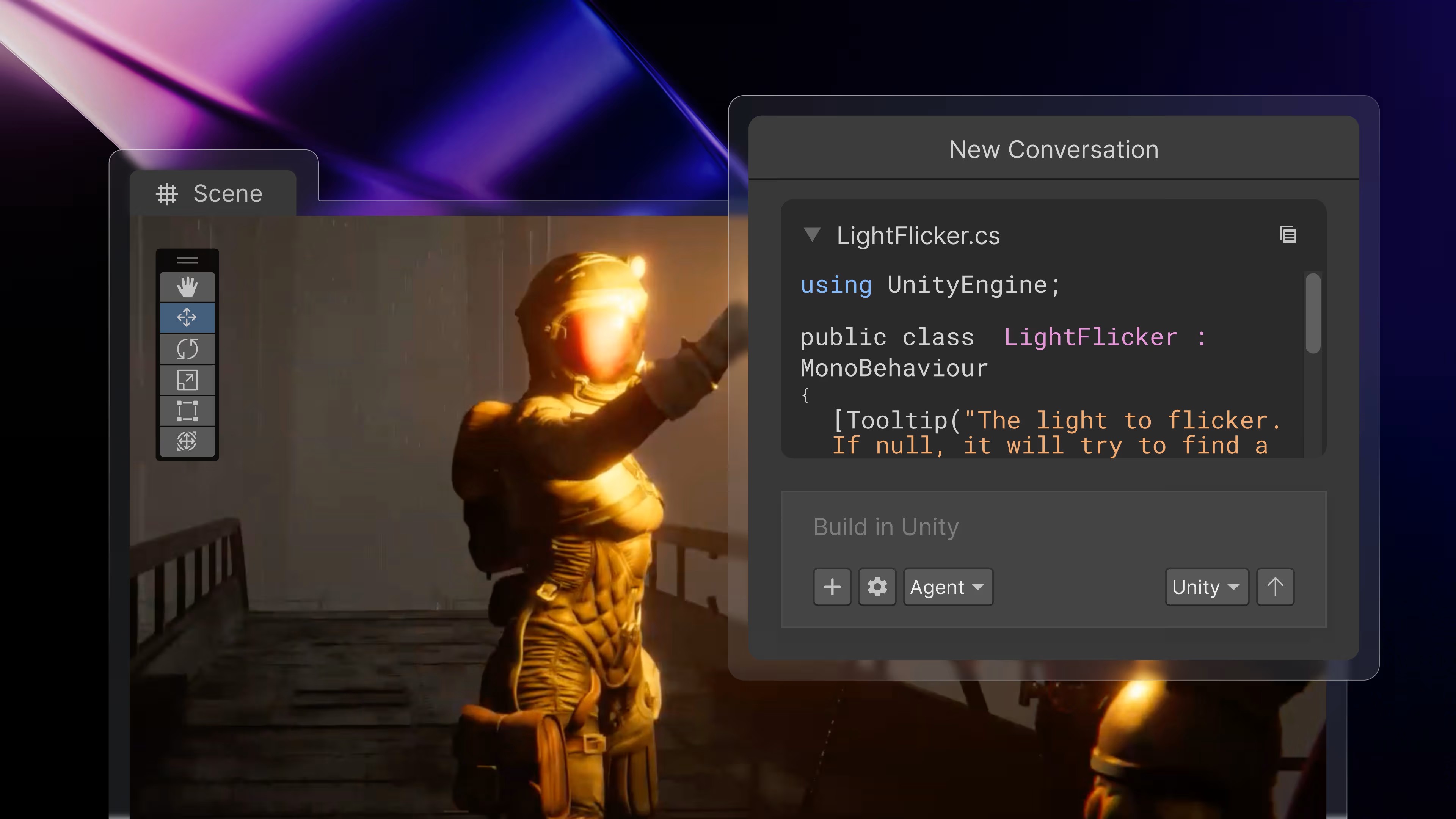
The greatest strength of Unity AI is its ability to read your project's deep context. Your scene hierarchy, packages, assets in the project, and target platform settings are continuously analyzed by the AI. For instance, when you ask, "What is degrading performance in this scene?", the assistant examines excessively high-polygon models, incorrect lighting settings, or unoptimized materials in your scenes to produce project-specific solutions.
Three Different Modes for Your Needs
The assistant serves in three primary modes for different scenarios in the game development process, accelerating your workflow:
- Ask: A read-only guidance mode you can use to get information about your project or troubleshoot issues.
- Agent: The mode that takes direct action within the Unity editor. It can create new GameObjects, connect components, and perform manual scene editing on your behalf.
- Plan: For more complex system designs, the AI first draws up a step-by-step roadmap. Once the developer approves this plan, the Agent mode kicks in and executes the steps in order.
Developer Freedom: Choose Your Own AI Model
Unity promises one of the most flexible solutions in the industry by not confining developers to a single AI model. You can entirely determine your security, performance, and data privacy standards on your own initiative.
Full Control with AI Gateway
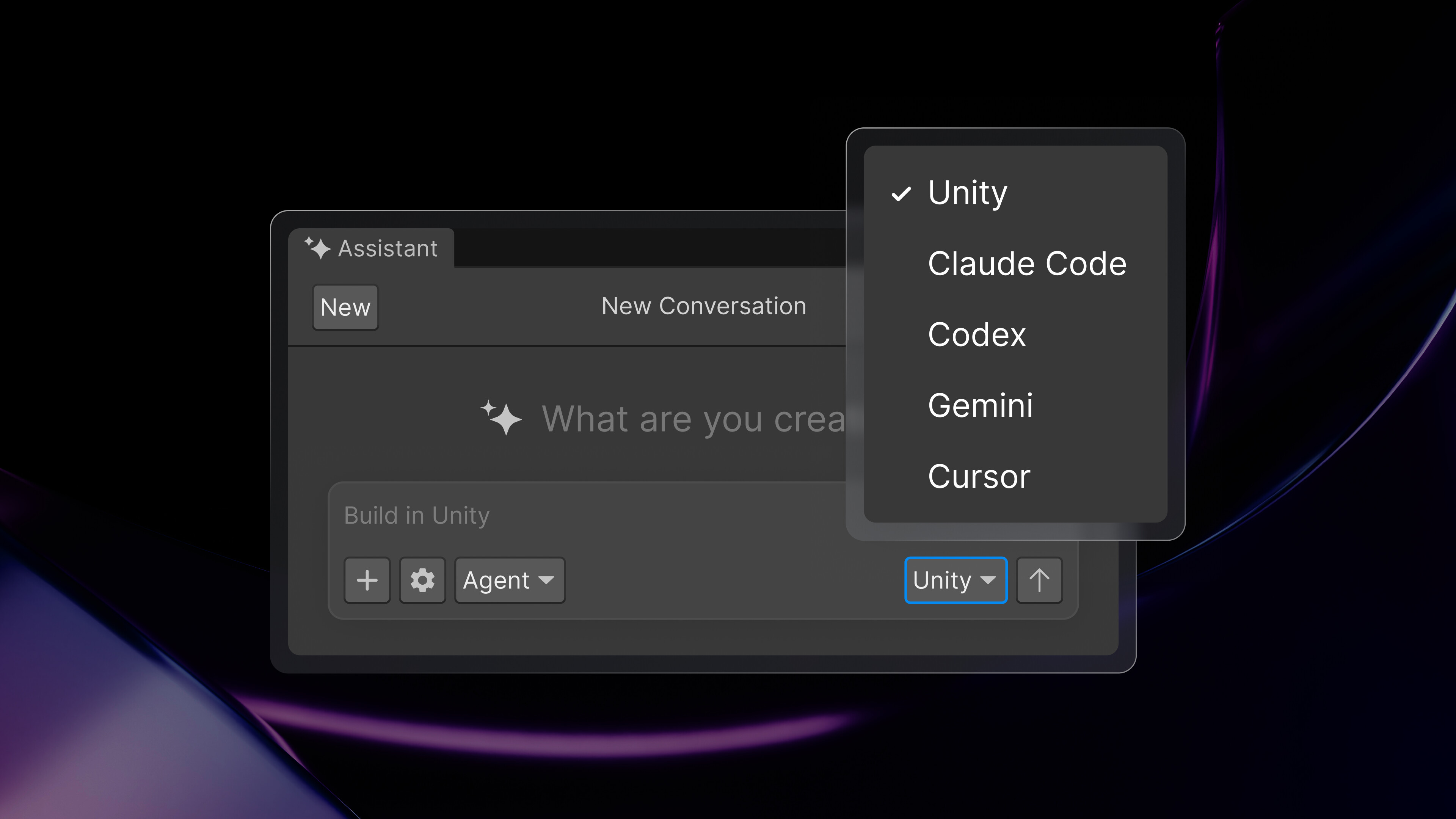
Thanks to the AI Gateway feature, you can connect your favorite language models that you already trust or have a subscription to—such as Claude, Gemini, or GPT-4—directly into the Unity Editor. This flexible structure creates a vital advantage for professional teams wanting to ensure data security according to their own standards.
Flawless IDE Integration with MCP Server
The boundaries of Unity AI do not end with the game engine interface. Thanks to open-source MCP (Model Context Protocol) Server support, you can establish two-way communication with your Unity project via popular IDEs like VS Code or Cursor. While writing code, an AI tool outside the editor can grasp the context in your Unity scenes via MCP and optimize the scripts it generates according to this architecture.
Bring Your Assets to Life with Generative AI
Design and prototyping, one of the most time-consuming stages of the game development process, gains speed with Unity AI's Generative AI tools. You can instantly turn your ideas, drafts, or reference images into "project-ready" assets.
Rapid Prototyping and Secure Tagging
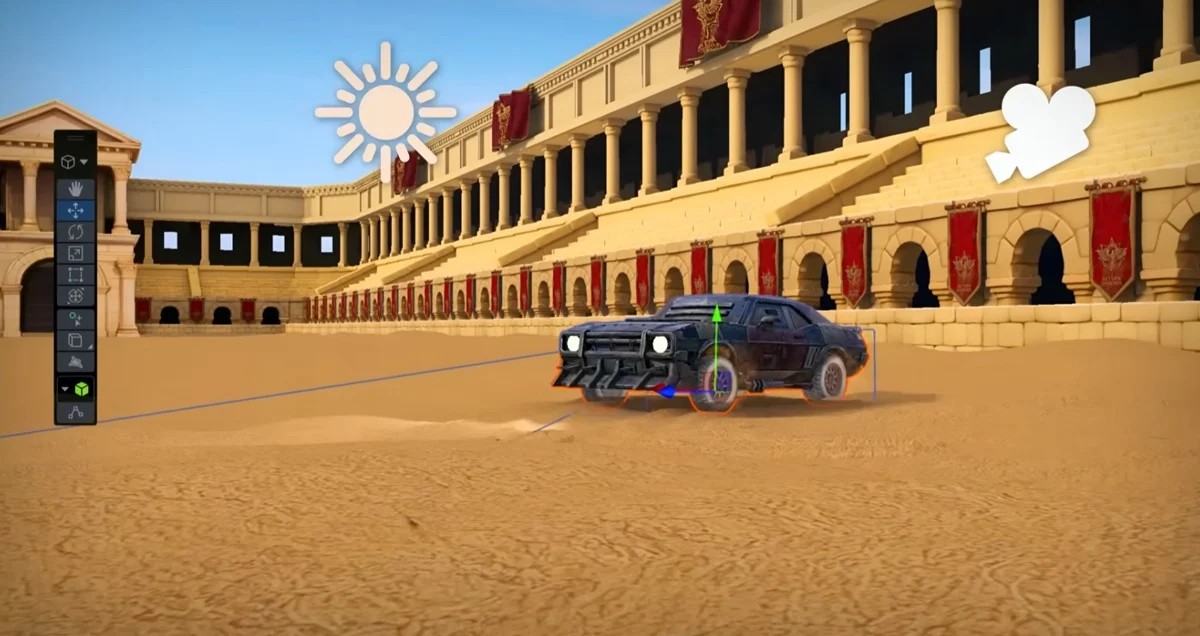
Using text prompts, you can generate PBR (Physically Based Rendering) compatible high-quality materials, create complex animations for your humanoid characters, or have UI icons designed to suit your project. Because copyrights and transparency are of great importance in commercial projects, every piece of content generated with Unity AI is tagged with "Generated by AI" metadata. This traceability feature secures the auditing processes of major studios.
Time to Focus on Your Creativity with Unity 6
To step into this visionary technology, your projects need to be connected to Unity Cloud and run on the most up-to-date version of the system, Unity 6 or higher. The "Checkpoints" feature, carefully integrated into the system, allows you to undo the changes made by the AI with a single click at any time, creating a risk-free space where you can bravely experiment. Setting out with the philosophy of "Make better games faster," Unity AI Open Beta reduces the hours you struggle with technical bugs to zero, combining all the tools you need to focus on your main job—game design—on a single screen.