The world of software development has been moving at a breakneck pace over the last few years. Our AI journey, which began with simple autocomplete tools, has now evolved into agentic AI assistants capable of making independent decisions, analyzing entire projects, and executing tasks autonomously. However, this great power introduces a new bottleneck: Time.
When you tell an advanced assistant like Claude Code to "Refactor all legacy API calls across the entire project and run all tests," the process can take minutes rather than seconds. We used to stare blankly at the screen waiting for code to compile; now, we wait for the AI to finish its job. One of the biggest friction points in the developer experience has been the moment you step away to grab a coffee, only for the system to pause the entire process because it needs your manual approval for a file change.
This is exactly where Anthropic has stepped in with a massive leap forward that restores developer freedom. Introducing the next generation of flexibility that allows you to step away from your desk: Claude Code Remote Control.

What Does Remote Control Actually Do?
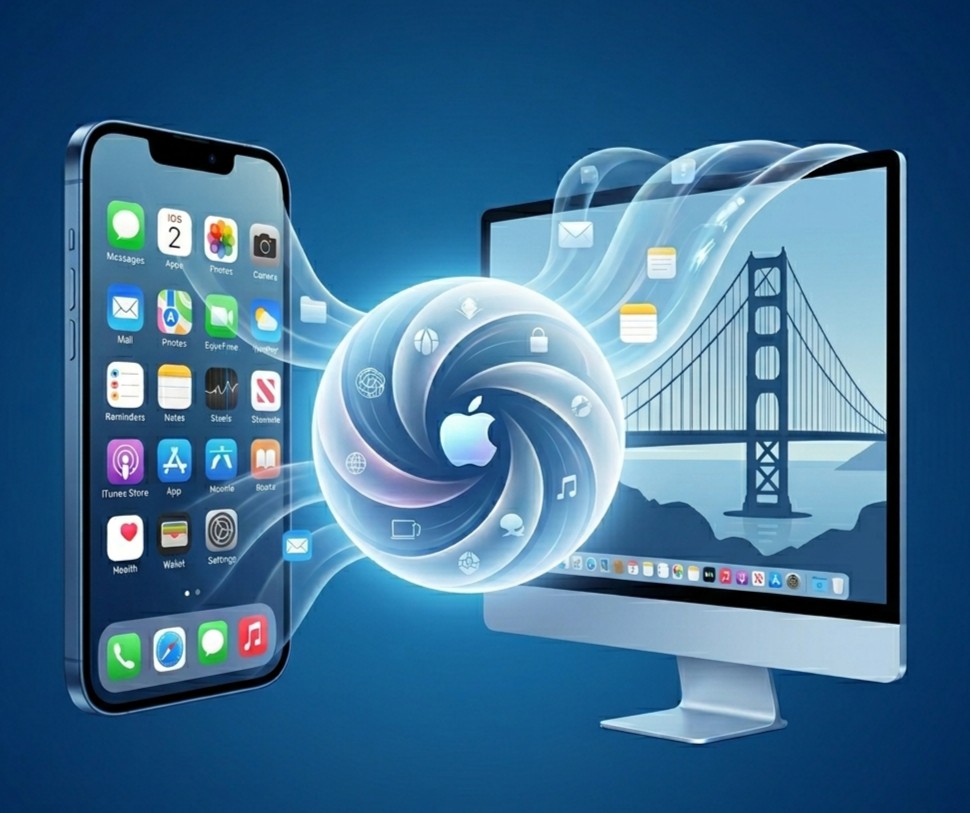
Remote Control creates a seamless, live bridge between a local Claude Code session running in your computer's terminal and the Claude web or mobile interface on your phone, tablet, or another computer.
Imagine you’ve initiated a heavy code review or a complex refactoring task on your powerful office machine. Normally, you’d have to stay glued to your desk until the task finished or the system hit an error and waited for your command. With this new feature, you can simply enter a short command into your terminal and instantly transfer control of that session to your phone.
You can head to the kitchen or move to another room while watching every step of the process live on your mobile device, just as if you were sitting at your computer. You can answer Claude’s questions, review suggested code changes, and approve or reject them on the fly.
Your Code is Safe: Not a Cloud Sync, But an Encrypted Tunnel
The first question developers (rightfully) ask is about security. You might worry: "Are my company’s proprietary code or my private projects being uploaded to the cloud just so I can access them from my phone?" Anthropic engineers have put security at the heart of this design.
Remote Control is definitely not a cloud sync service. Your project's source code is never uploaded to Anthropic’s servers or any other cloud storage. Instead, the system works by creating a secure, end-to-end encrypted tunnel between your computer and the controlling device (your phone).
Even better, you don't need to deal with complex port forwarding settings or set up a VPN—which could create security vulnerabilities in your network. Claude Code builds this tunnel using only outbound secure HTTPS requests. The AI continues to read your Model Context Protocol (MCP) servers, local tools, and project files on your local machine; your phone simply acts as the "viewscreen" and "remote" for that process.
Daily Scenarios That Save a Developer's Life
Beyond the technical specs, the practical solutions this technology offers in daily life are incredibly exciting. Here are a few examples of how it eliminates that "stuck at the desk" feeling:
- Never-Ending Test Suites: Suppose you're running extensive integration tests where Claude needs to fix dozens of failing files one by one. Start the process, link it to your phone via the /rc command, and go to lunch. If Claude hits an error and needs guidance while you're eating, you can simply type "Try passing null for the parameter in Test 4" from your phone without even putting down your fork.
- Emergencies and Meetings: A critical bug report comes in right at the end of the day, but you have to jump into an urgent meeting. Hand the logs to Claude in your terminal and ask for a fix. While in the meeting, when your manager asks for an update, you can pull out your phone, check the patch Claude prepared, and deploy it with a single tap.
Setup and Important Limitations
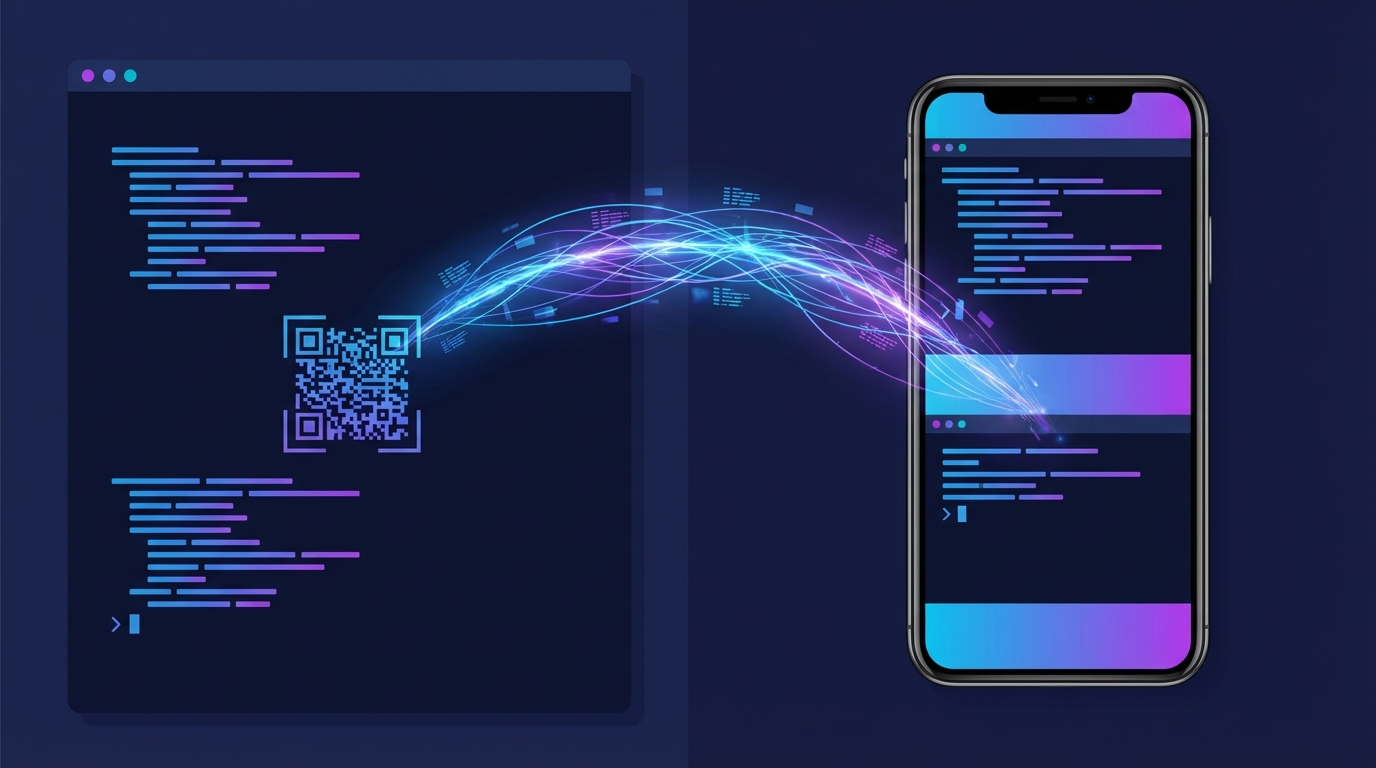
Getting started with this feature is incredibly simple. While running the latest version of Claude Code in your terminal (currently requiring a Pro or Max plan), simply type "/remote-control" or the shortcut "/rc."
A QR code and a clickable URL will instantly appear on your terminal screen. Once you scan the QR code with your phone's camera, the session is literally in the palm of your hand.
However, there are a few physical and software constraints to keep in mind:
- The Machine Must Stay Awake: Since all processing happens on your computer’s CPU and disk, your computer must not enter sleep mode, and the terminal window must remain open. If you close the terminal, the "magic" on your phone disappears.
- Connection Drops: If your computer loses its internet connection for more than approximately 10 minutes, the tunnel will collapse for security reasons, and the session will time out.
- One-to-One Matching: Each active Claude Code terminal session can only be controlled by one external device at a time.
Being a developer no longer means being chained to a desk, a chair, and massive monitors. We are witnessing the transformation of AI into a teammate that doesn't just write code, but moves with us. By keeping your code local while freeing your movement, this technology will undoubtedly boost both our deep-work focus and our work-life balance.